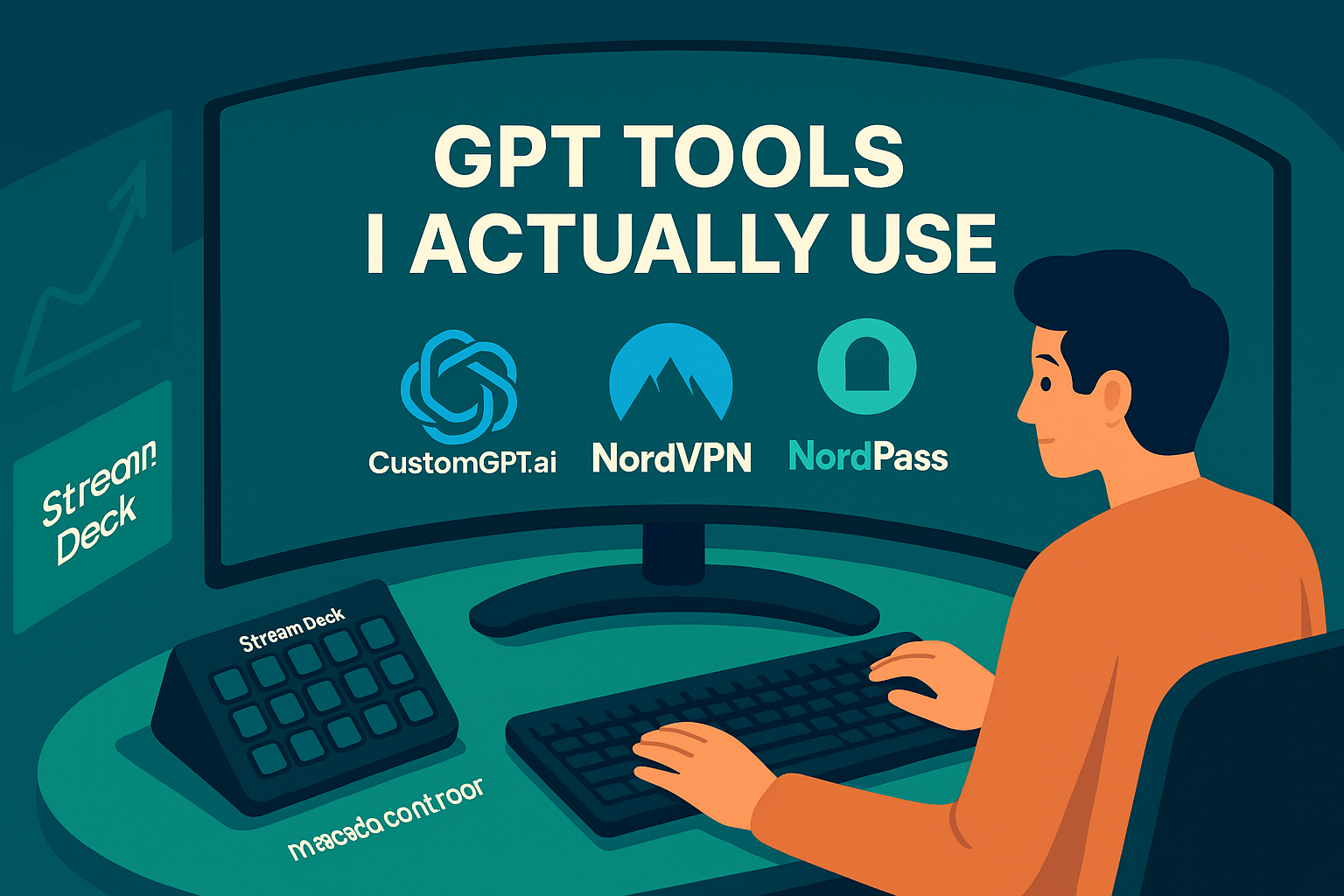
GPT Tools I Actually Use
Last updated July 2025 • 4 min read • Affiliate Disclosure Below
Heads up: Some links below are affiliate links, which means I may earn a commission if you choose to buy — at no extra cost to you. I only recommend tools I use in my own GPT stack.
Over the past year, I’ve tested dozens of tools to streamline my GPT workflows. Some were flashy but failed fast. Others became core to how I operate — whether I'm building systems, automating routines, or pushing AI into profit-producing flows. These are the tools I *actually* use — and recommend.
🧠 Elgato Stream Deck MK.2
This 15-button programmable controller lets me trigger GPT workflows, automation macros, and system routines instantly. I use it to fire off GPT prompts, build Notion blocks, and even control browser flows — all without touching my keyboard.
→ Check out the Elgato Stream Deck on Amazon
🖥️ LG 34″ UltraGear QHD Curved Monitor
Immersive, sharp, and ultra-wide — this 34-inch curved display gives me a panoramic GPT dashboard. I run ChatGPT, Notion, TradingView, and design stacks side-by-side without switching windows. Highly recommend for multitasking creators.
→ View the UltraGear on Amazon
🤖 CustomGPT.ai
This is the engine behind my branded GPTs — from Dead Mentors to lead-gen bots. I use CustomGPT.ai to upload documents, train personas, and embed them across my funnels. You’re probably interacting with one of them right now.
→ Try CustomGPT.ai (affiliate link)
🛡️ NordVPN
When I’m building stacks or pulling AI tools across regions, VPN access is critical. NordVPN keeps things secure while letting me simulate different geo environments — all with fast, no-buffer browsing.
→ Secure your GPT work with NordVPN
🔐 NordPass
Every AI tool I use — and every API key I register — gets stored here. NordPass saves me from hunting for logins or writing passwords down. It’s clean, cross-device, and part of my daily setup.
→ Try NordPass for secure AI access
📘 Want the Full Stack in 1 Click?
I’ve put together a free guide showing the exact tools, flows, and GPT systems I use — and how you can clone them for yourself.
→ Download the Free GPT Stack GuideDisclosure: This blog contains affiliate links. I may earn a commission if you choose to buy through them. Thanks for supporting what I build.